Insights can be found in My Space section under Insights menu item.
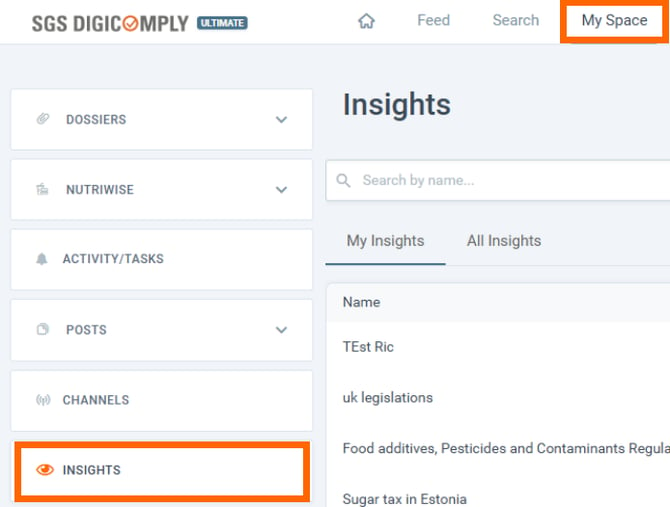
On this page, you can manage your Insights and their subscriptions.
👉You can also create new Insights (see How to create an Insight in this article).
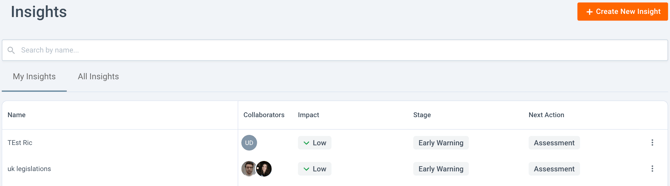
My Insights
The first thing you can see is the list of Insights to which you have access. You can see some details about each Insight, like the collaborators (editors and publishers of the Insight) and the property values of each insight. Under the more menu (three dots), there are also some actions you can perform.
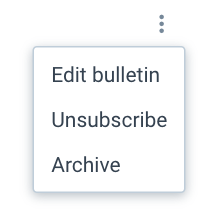 Within these actions, there is:
- Edit bulletin - you can learn more about this functionality here
- Unsubscribe - stop following the Insight
- Archive - by this action, you archive the Insights so it is not visible in the lists of Insights anymore
All Insights
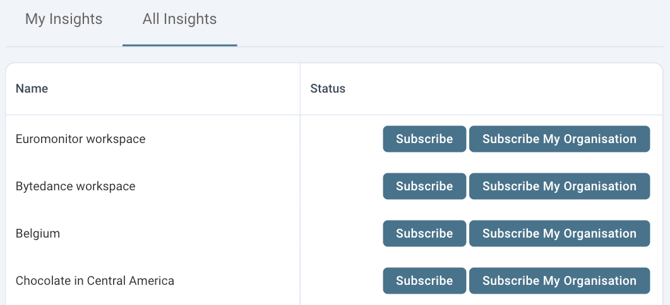
Under this tab, you can find all Insights created within your organisation. You can subscribe to any of the Insights. With proper permissions (organization manager role), you can subscribe your organization, meaning all users within your organization will have access to the Insight and its content.
You can also do the opposite - unsubscribe.