
Option 1 - from the list of the Posts
-
Open the Insight: Navigate to the Insight detail view.
-
Select Tab: Click on the Collected Content tab to see the list of articles.
-
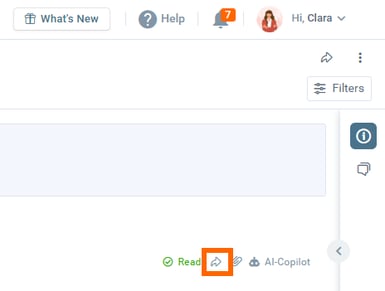
Open Share Menu: Locate the document you want to remove and click the Share (Arrow) icon on the post card.
-
Remove:
-
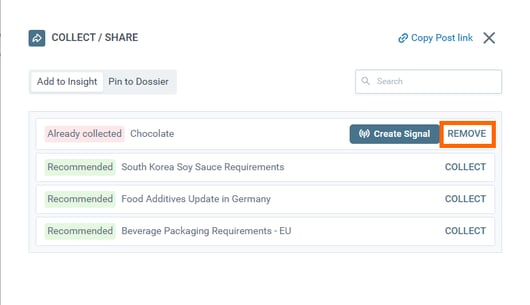
A dialog will appear listing all Insights where this post is currently collected.
-
Find the specific Insight name in the top list.
-
Click the REMOVE button next to it.
-
Option 2 - from the Post detail
-
Open the Post: Click the title to enter the full post detail view.
-
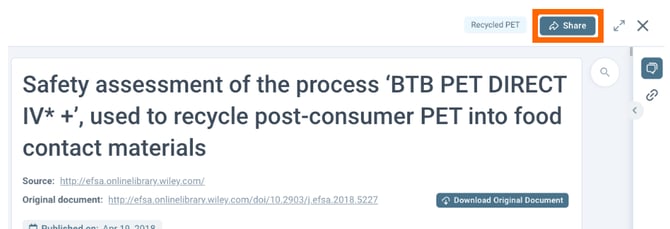
Click Share: Click the Share button located in the top-right corner of the toolbar.
-
Remove:
-
The same dialog will appear showing where the post is collected.
-
Locate the Insight name in the list.
-
Click the REMOVE button.
-
Discover our new onboarding platform full of video guides - SGS Academy!