
Accessing the SGS Digicomply platform is a straightforward process that begins on our public homepage. Whether you are a new user or a returning regular, follow the steps below to securely access your workspace.
Navigate to the Website
Open your preferred web browser and visit the official SGS Digicomply website at www.digicomply.com.
Log in
Once the homepage loads, look for the Log In button located in the top navigation bar. Click this button to be redirected to the secure authentication page.

Authenticate
On the login screen:
-
Enter Credentials: Input your registered email address and password in the designated fields.
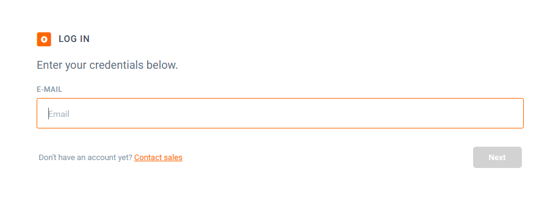
-
Access: Click the submit button and wait for the system to verify your credentials. You will be automatically redirected to your personalized dashboard.