
NOTE: You must have the Editor role to update an Insight.
1. Open an Insight
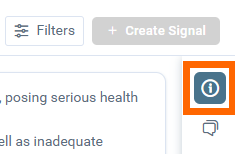
2. Click the Info icon in the docked toolbar on the right side, in case it is collapsed.
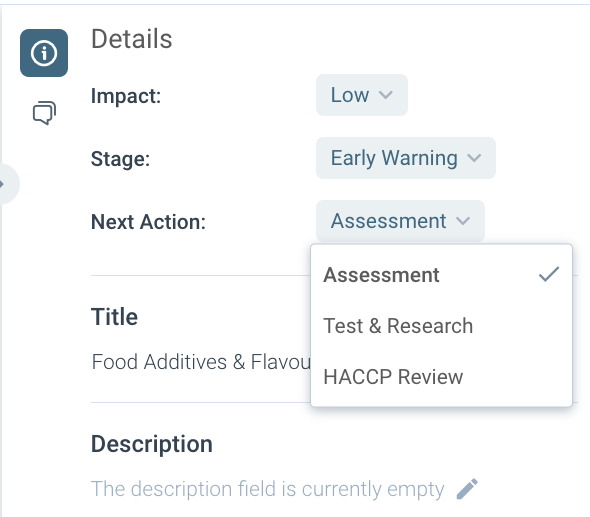
3. Once the toolbar is opened, edit the Insight's properties just by clicking its value. It will open the list of the available values.
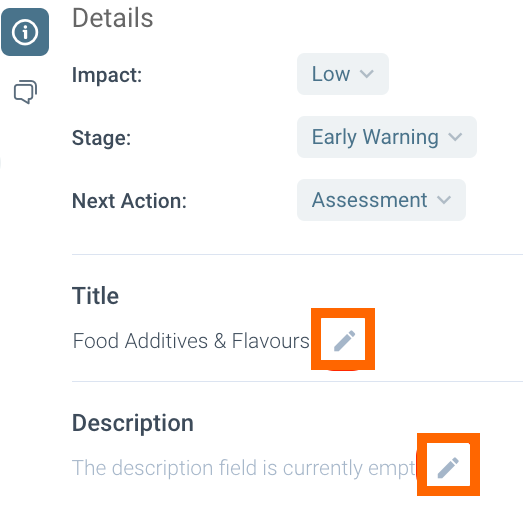
4. Change the insight name or its description clicking the pencil buttons next to the Insight's name or description
Discover our new onboarding platform full of video guides - SGS Academy!