
When a new regulation goes into force repealing a previous rule, it is important to be able to identify that change. SGS Digicomply monitors these lifecycles using both AI technology and local experts.
Identifying Status in a Document
When viewing a specific regulation, you can immediately check its validity:
-
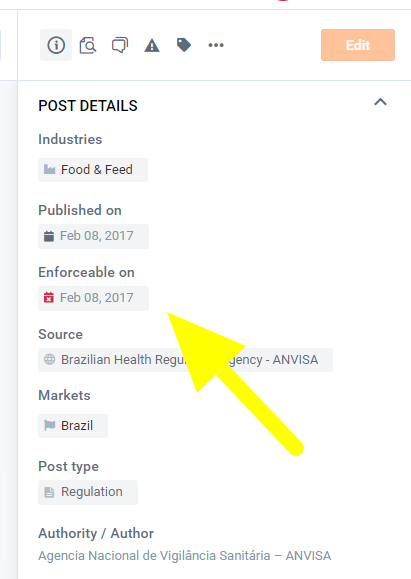
Enforceable Date: Check the date fields in the post details.
-
Visual Indicators: A Red Icon indicates that the regulation is No Longer in Force.
-
Finding the Successor: Check the "Related Posts" section at the bottom of the details list. This will often link to the new regulation that repealed the current one.
Searching for Repealed Regulations
If you specifically need to find older regulations that are no longer active (e.g., for historical auditing), you can filter for them in the search tool.
- Navigate to the Search tab.
- Select the Regulations content type.
- Locate the Status filter (or "Regulatory Status").
- Select "Not in force".
- The search results will now display repealed or expired regulations matching your keywords.
Discover our new onboarding platform full of video guides - SGS Academy!