![SGS-AFL-DigiComply Lead Visual-cmyk-tagline2022.jpg]](https://support.digicomply.com/hs-fs/hubfs/SGS-AFL-DigiComply%20Lead%20Visual-cmyk-tagline2022.jpg?height=40&name=SGS-AFL-DigiComply%20Lead%20Visual-cmyk-tagline2022.jpg)
These examples demonstrate how to set up and organize feeds to capture both proposed and pending regulatory developments within the selected market.
Assignment A — Create a General Feed for the Market: Singapore
- Task:
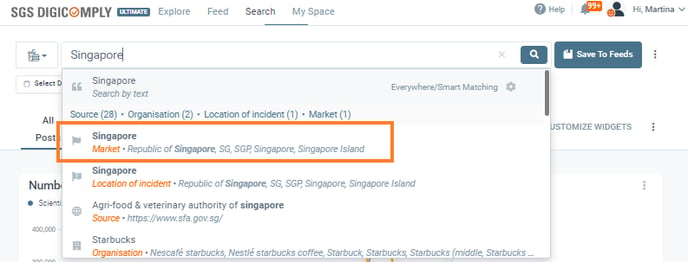
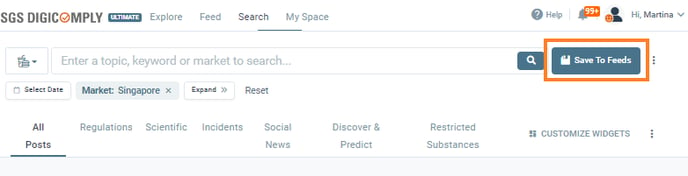
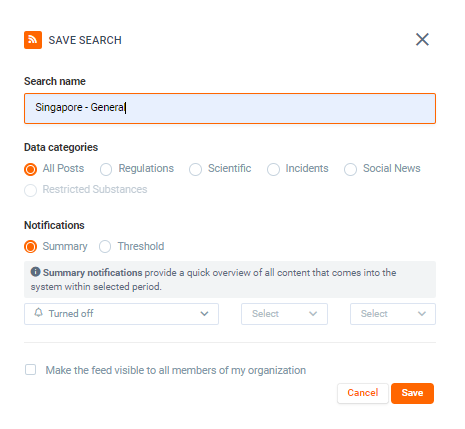
Perform a search for the market “Singapore.” Once completed, save the search and name it “Singapore – General.”
Do not set up any notifications for this particular feed. - Answer:
Type “Singapore” into the search bar and select Singapore as the Market.
Leave notifications disabled for this feed.
Notes: Notifications "Turned off"
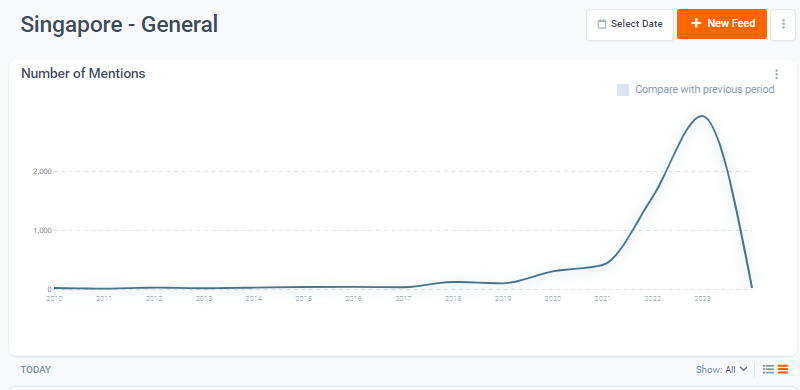
Navigate to the 'Feed' tab to view the newly created feed.
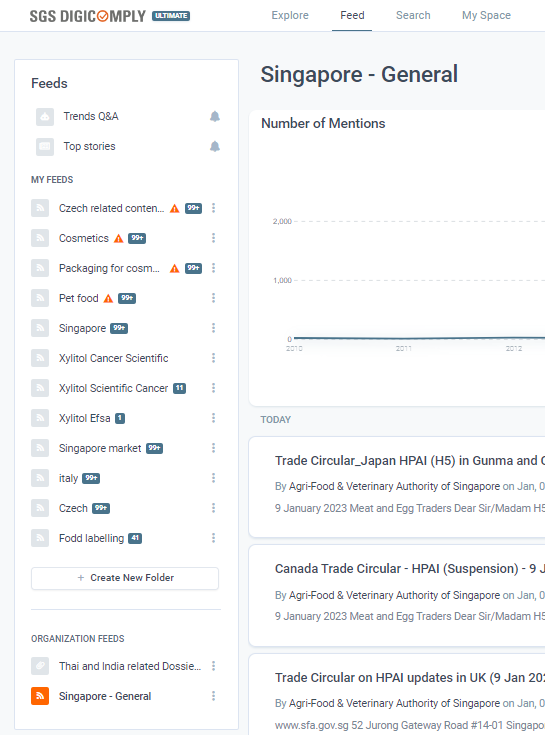
Tip:
Creating a general feed like this can be a helpful way to keep track of what is happening in a specific market.
Note:
For larger markets, such as the United States, this type of feed may be too broad. In such cases, consider enriching your search with additional keywords, products, or ingredients to make the results more focused and relevant.
Assignment B: Create a new search with the same filters above but now add a specific source, the 'WTO documents online'.
- Answer:
In the search bar, select 'Market: Singapore' and add the 'Source: WTO documents online (notifications)'.
Next, include Product Category: Beverages, and add specific Products such as energy drinks, snacks, and potato chips. Group these products together to make sure you’re notified when any of them appear in new posts.
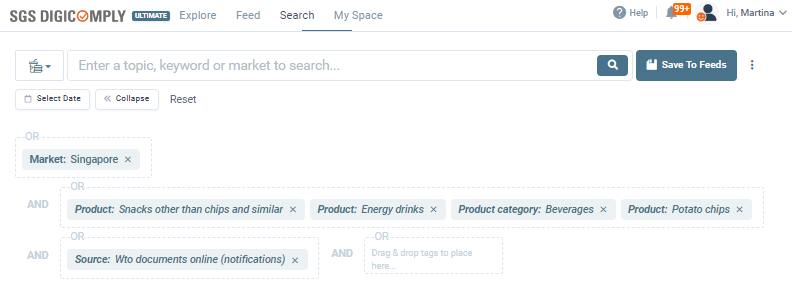
Once the search is ready, Save it as a Feed and name it like 'Singapore – WTO Beverages & Snacks'.
Then, go to the Feed settings, enable Daily notifications, and set the time to 8:00 AM.
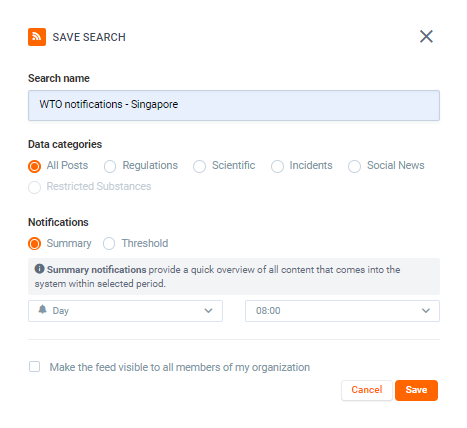
💡 Tip: This feed helps you stay updated on all new and proposed changes in WTO notifications that affect your selected products in Singapore.
Assignment C: Monitor the Main Regulatory Body in Singapore
- Hint:
Go to the saved search in the 'Feed' tab and edit it. Once you have replaced the previous source with the new one, find the 'Save as a new feed' option in the Feed editing tool bar at the bottom.
- Answer:
Click 'Edit' in the top-right corner of the feed.
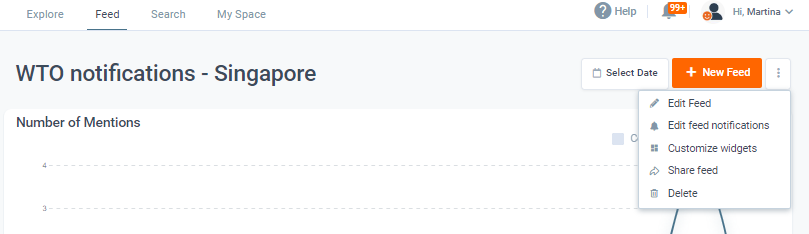
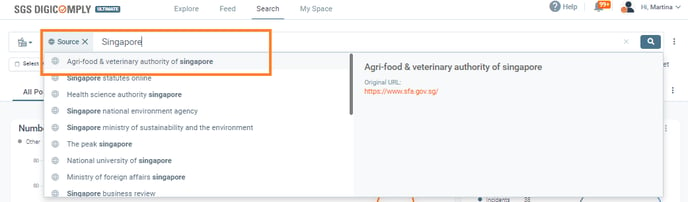
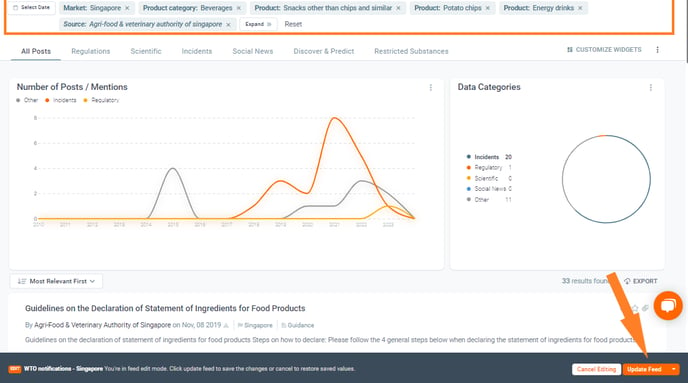
At the bottom of the page, make sure to click the icon to the right of 'Update Feed'.
This option allows you to save the edited search as a new feed, keeping the original WTO feed unchanged.
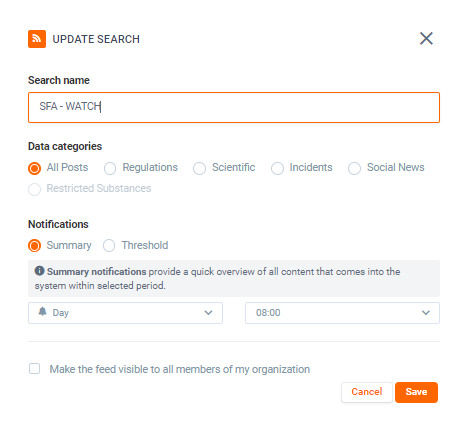
Give the new feed a descriptive name, such as 'Singapore – AVA Regulatory Updates'.
💡 Tip: This feed ensures you receive direct updates from the main regulatory authority in Singapore, keeping you informed about regulatory changes and product-related alerts.
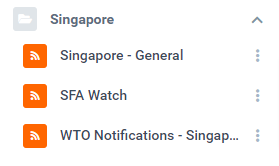
Assignment D: Create a folder 'Singapore' in the Feed tab and group the three, newly created feeds within it.
In the 'Feed' tab you will now see the three created feeds.
Underneath the feeds is the 'Create New Folder' button.
Create a folder for Singapore and group the three feeds within it.
You now have grouped the feeds for better visualization.
Exercise Completed ✔️